Web app 2026
Lumina CRM - order management for an astrology business
Enquiries arrive in the system automatically, personal readings are prepared with the help of AI, client emails are handled in one place, and a payment integration is built.

 Demo data
- Category
- Web app
- Year
- 2026
- Status
- Delivered to a client
- Technologies
- Laravel · OpenAI · REST API · Stripe
The client's need
An online astrology services business received enquiries from its website and ads and handled them by hand: copying details, preparing a personal reading, sending a payment link and emails. Some enquiries waited too long for a reply, and it was unclear how many turned into sales.
What the system is for
A real, working system: an enquiry is visible in one place from arrival to paid order.
A custom solution
A custom CRM with an admin panel, user permissions and language management, built around this business's own workflow.
Main workflows
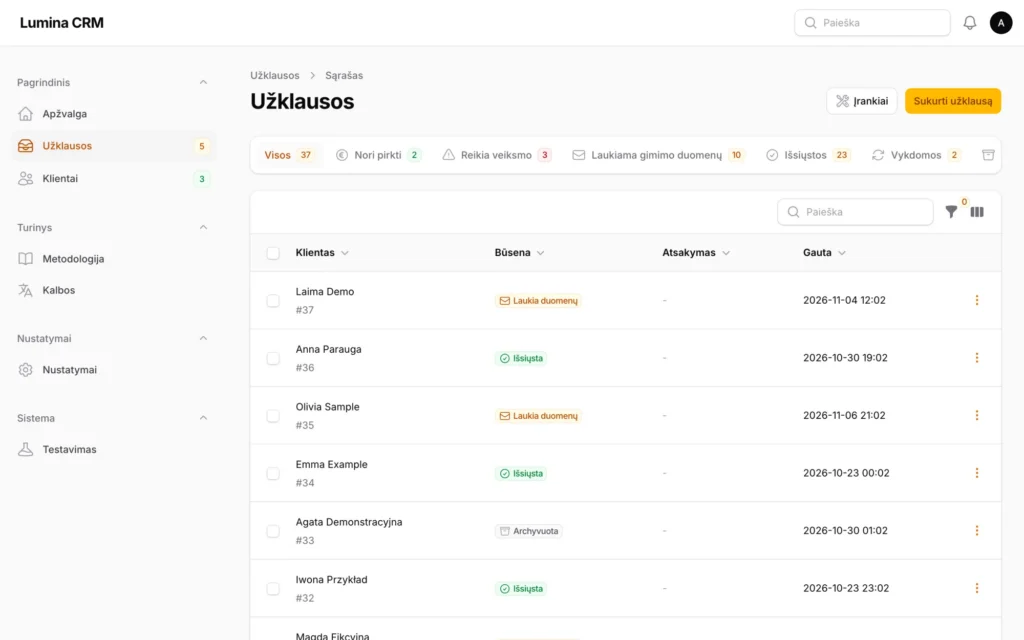
- enquiries from website and ad forms arrive in the system automatically
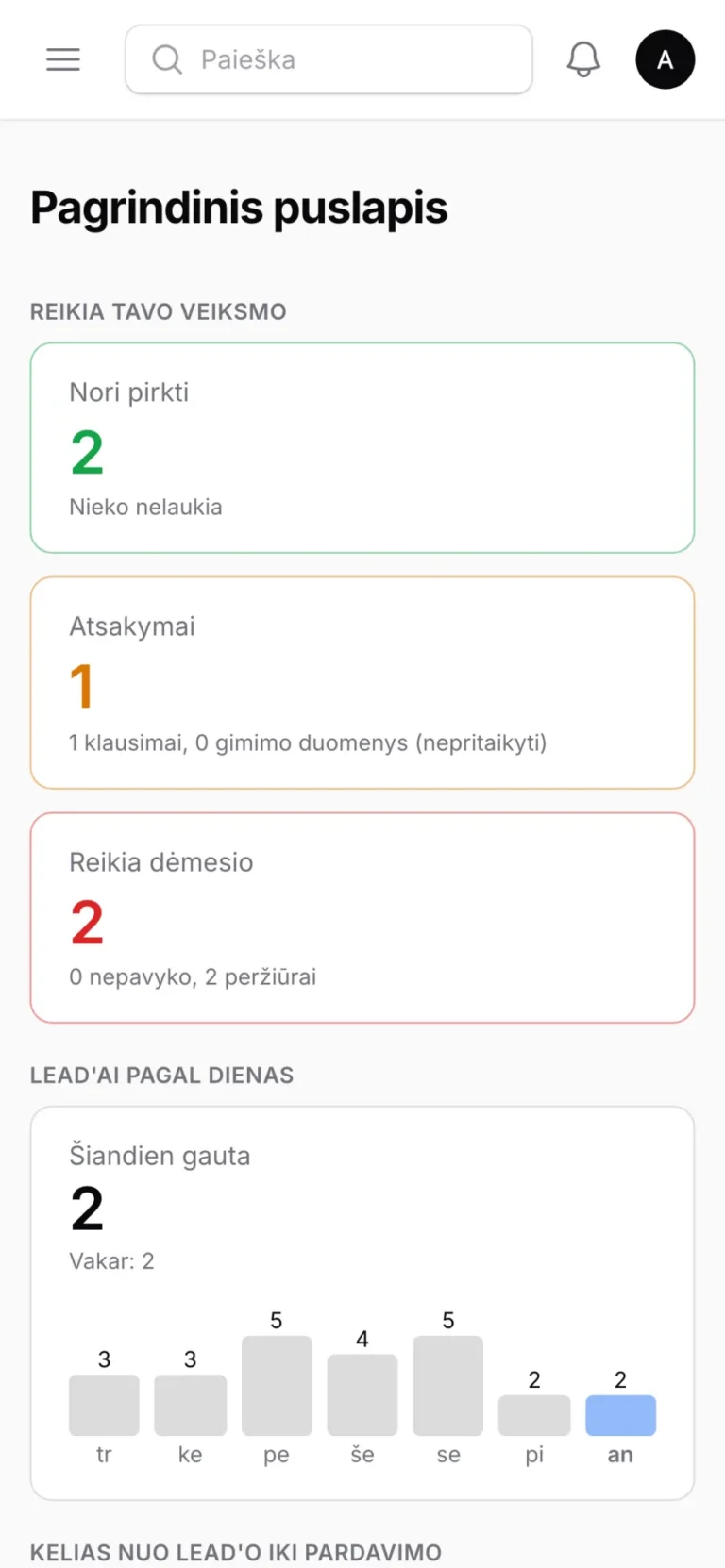
- every enquiry has a status, and the dashboard shows which ones need action
- astrological calculations run through an API, and a personal reading is prepared with the help of AI
- payment and order status are recorded in the system
- clients receive automated emails and email sequences
Client and order management
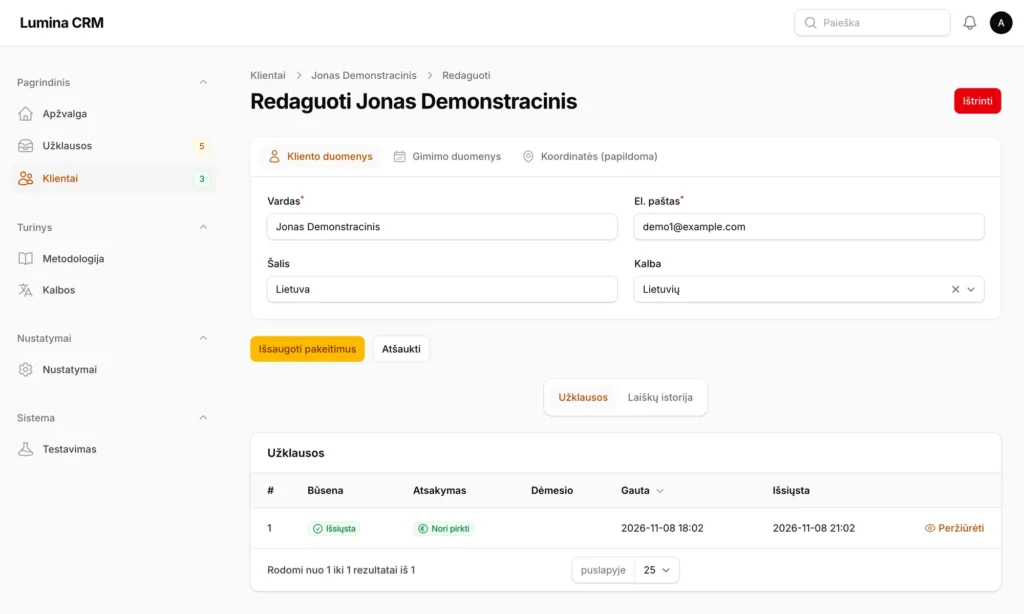
An enquiry list with statuses and tabs, an enquiry detail and a client card with the enquiry history; enquiries that need review are flagged by the system. It works on a phone too. See screens 01–05 and 08.
Integrations
Integrations are part of the system: it is connected to services for astrological calculations, AI, payments and email delivery. The system supports several payment providers, and the status of the integrations is visible in the admin panel (screen 07).
Automation
Automated emails: a request for birth details, reminders and an email series for the client. When an enquiry is missing data, the system flags it and suggests trying again (screens 04 and 06).
Now, and what comes next
What is described above works now and is used every day. The project is also being developed in stages: enquiry and dashboard views, mail processing and integration status checks are being improved, and new languages, services and channels can be added without reworking what already runs.
We build similar systems under custom business systems; connecting enquiries, payments and emails with other tools is described under integrations and automation. Indicative prices: pricing.
Demo screens
The screens below show the functions described above with made-up demo data, not client data. They are demonstration images from a stage of the project and may not reflect the latest changes.
At the client's request their name is not published.
The system from the inside.
Demo data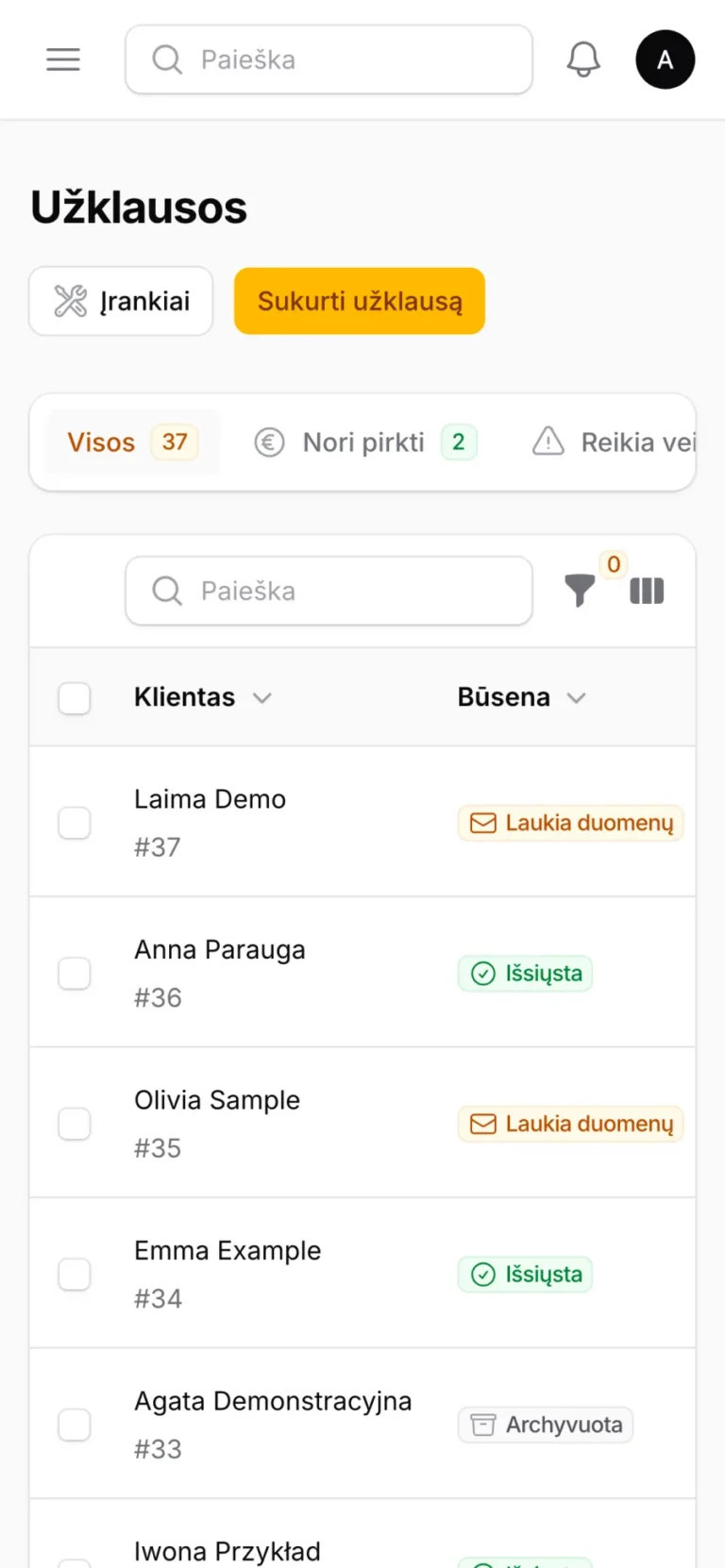 Demo data
 Demo data
 Demo data
 Demo data
 Demo data
 Demo data
 Demo data
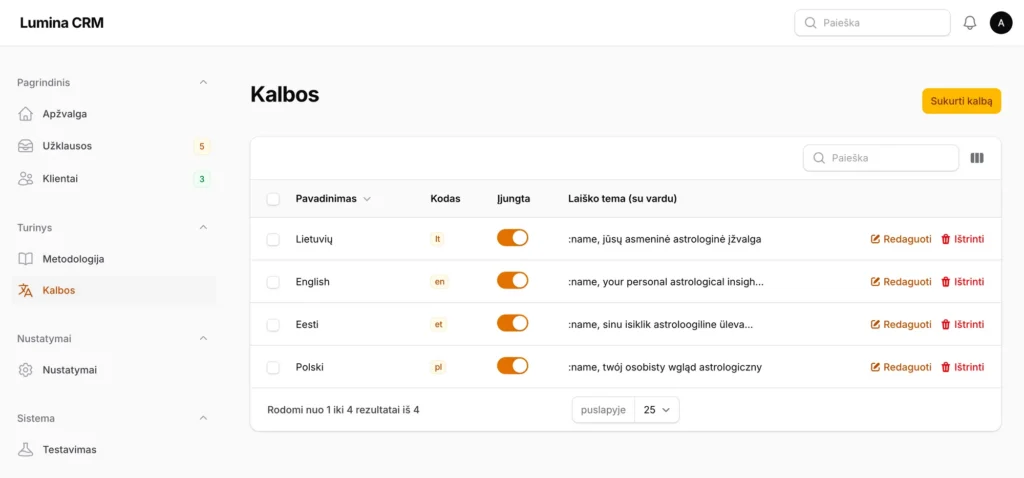 Demo data
More client projects.
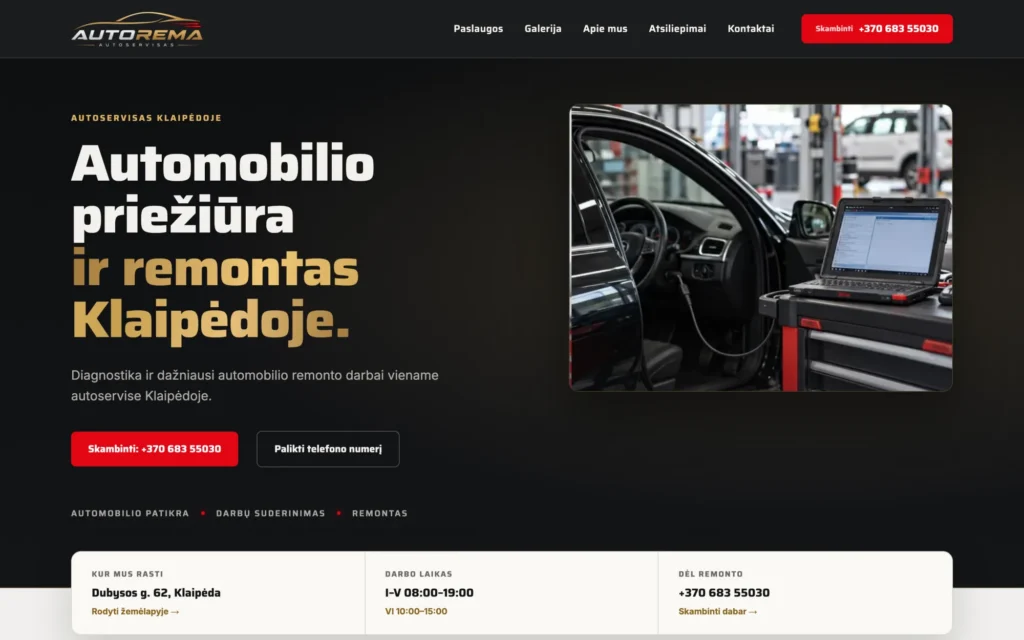
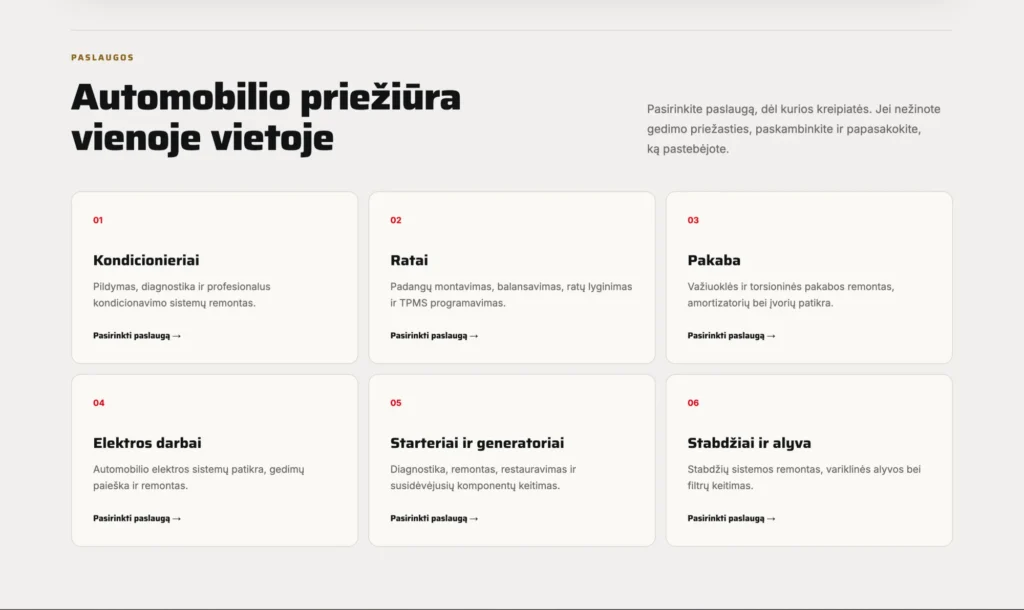
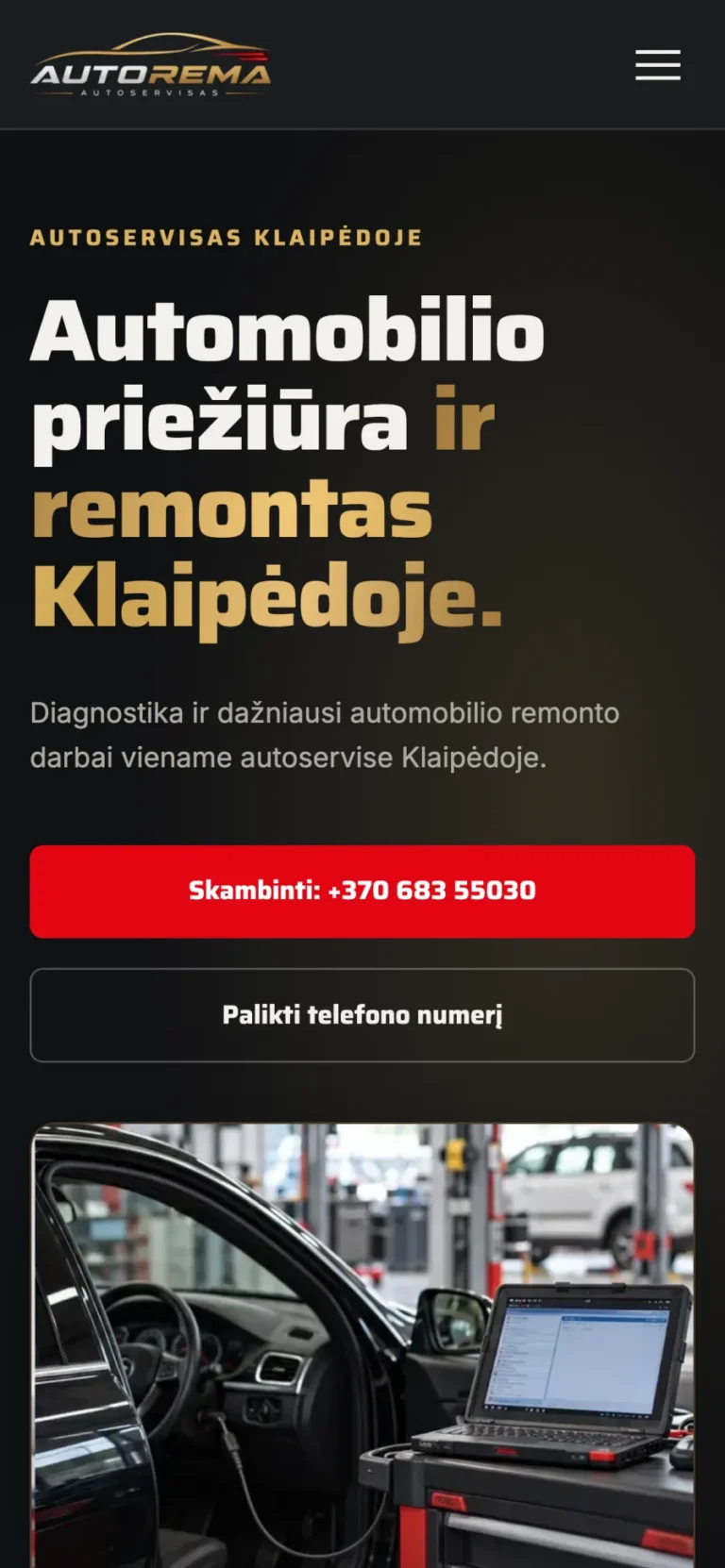 Website · 2026AutoremaA website for a car repair shop in Klaipėda: clear services, one-tap calling, a call-back form and Google reviews. The owner can update texts and photos without a developer.View project
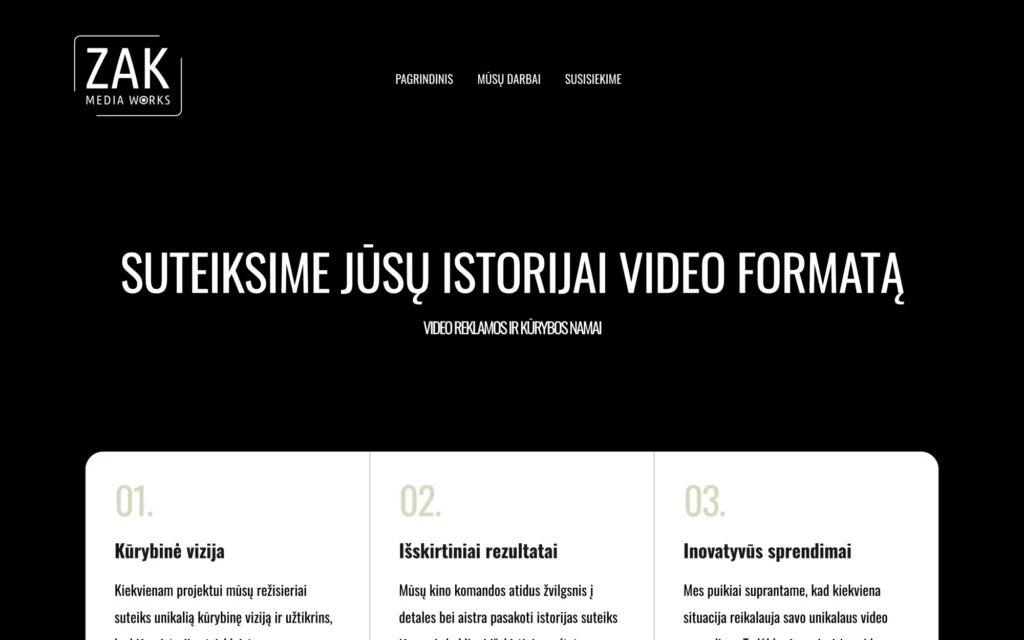
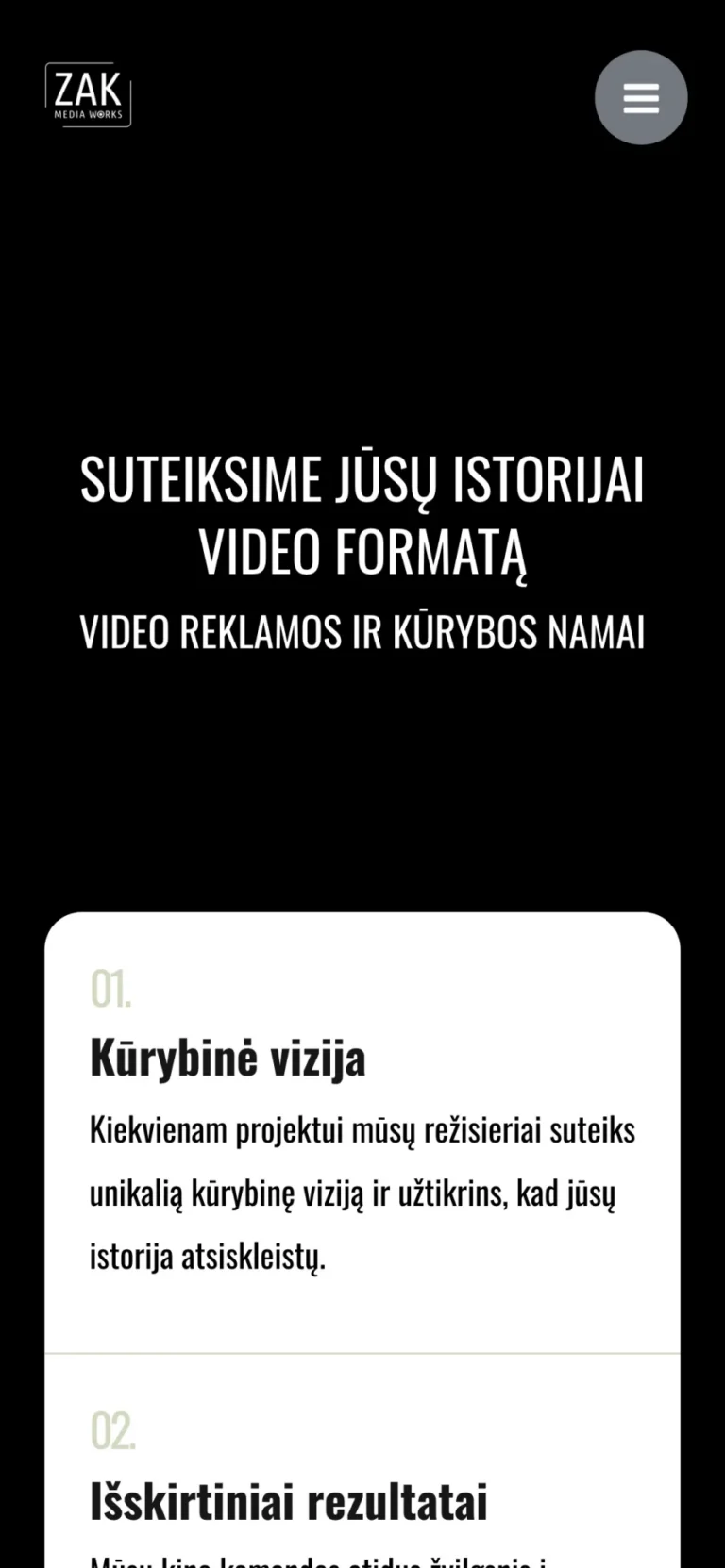 WebsiteZak Media WorksA work wall with filters, clips that open in a video window, client logos and a short path to the contact form.View project