
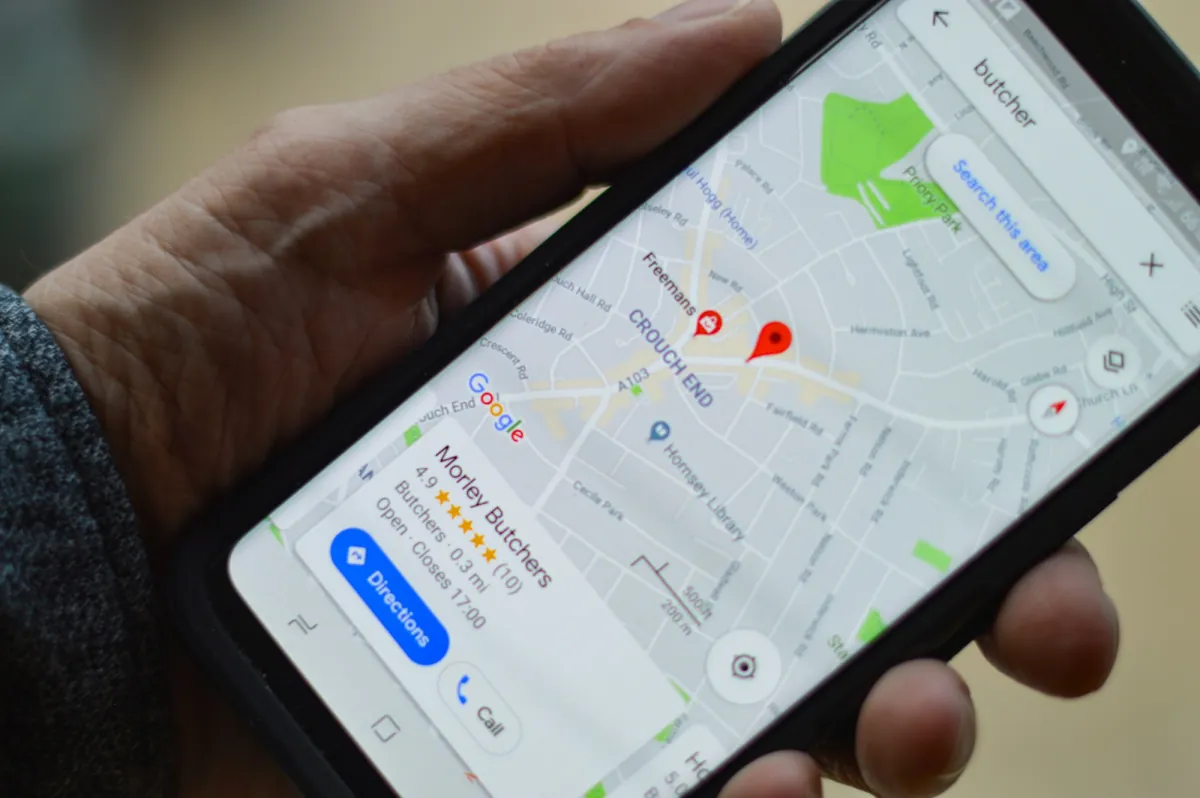
A Google Business Profile (formerly Google My Business) is a free business listing that appears in Google Search and on Google Maps when people look for your company or a service near them. For many local customers it is the first thing they see, before your website: the address, phone number, rating and photos. Below is how to set it up, complete it and connect it to your site.
Who needs a Google Business Profile
It suits any business that serves customers in a particular area: garages, beauty salons, cafes, builders, tradespeople, clinics. You can also create a profile if you work at the customer’s location rather than your own premises; in that case you list a service area instead of an address. If you never meet customers in person and have no service area, a profile may not be suitable, because Google expects real contact with customers.
How to set up a profile step by step
- Open business.google.com and sign in with a Google account that the company controls, not one tied to a single employee.
- Enter your real business name, the same one used on your signage, website and invoices.
- Choose a primary category, such as “Car repair” or “Beauty salon”. This is the most important setting, because it decides which searches your profile can appear in.
- Add your address or service area, phone number and website.
- Verify the profile. Google offers a method that depends on the business: a code by post, a call, SMS, email or a video. Verification can take anything from a few minutes to a few days.
What to fill in so the profile is useful
An empty profile says nothing, while a complete one helps people decide in seconds. It is worth completing:
- Opening hours, including holidays. Outdated hours are the most common reason a customer arrives at a closed door.
- Services with a short description and, if you can, an indicative price.
- Photos of the premises, the interior and your finished work. Real photos build more trust than stock images.
- A description (up to 750 characters): who you are, what you do and how you can help. Write for a person, not for a search engine.
- Attributes, such as parking, online booking or step-free access.
Reviews: how to collect them and how to reply
Reviews are among the first things customers check. Ask satisfied customers to leave one and send them the direct link, which you can copy from the profile management area. Do not buy reviews and do not offer discounts in exchange for positive ratings, because Google prohibits this.
Reply to every review, negative ones included: briefly, politely and without getting defensive. Your reply is read not only by the unhappy customer but by every future customer too.
The most common mistakes
- Keywords in the business name. Using “Garage London cheap” instead of the real name can get the profile suspended.
- Two profiles for the same business. They confuse customers and weaken each other.
- Inconsistent details. The phone number and address must match on the profile, the website and social media.
- Stale information. You moved or changed your number, but the profile still shows the old one.
How to connect the profile to your website
The profile and the website should confirm each other. The contact page must show the same name, address and phone number as the profile, and on mobile there should be an obvious “Call” button. A good example is the Autorema car repair website in Klaipėda, where calling takes one tap. You can also add structured data about the local business so search engines understand your contact details better.
If you do not have a website yet, see website development for business. For the wider plan, read website promotion: where to start with SEO.
How to measure results
The profile statistics show views, calls, direction requests and website clicks. To tell visitors from the profile apart in your website analytics, you can add a tag to the website link, for example ?utm_source=google&utm_medium=organic&utm_campaign=business-profile. Do not expect results within a week: local search changes slowly, and a profile that is kept up to date keeps working for a long time.
Frequently asked questions
Is Google Business Profile paid?
No, creating and managing a profile is free.
Do I need a website for the profile?
A profile can work without a website, but a website adds credibility and lets you present services and prices in more detail.
How long does verification take?
It depends on the method: sometimes a few minutes, sometimes a few days.
If you would like to discuss how the profile and your website could work together, get in touch.
More articles
 Business
How to launch an online store in the EU: a practical checklist
A practical checklist for launching an online store in the EU: platform, hosting, payments by country, delivery, VAT and OSS, and the legal basics.
Read article
 Business
An online store from scratch: the path to your first order
Five steps between "we need an online store" and the first paid order: range, platform, payments, content and launch.
Read article
 Marketing
Website promotion: where to start with SEO?
Launched your website but the phone is silent? Four SEO jobs, done in the right order, before you pay a cent for advertising.
Read article